Access profiles
Only Settings administrators manage profiles, and they are never restricted by them.
Create a profile
- Open Access Manager > Access Profiles and click New.
- Name it, for example Warehouse staff, and add the Users.
- Optional: limit it to some Companies. It then applies only while the user works in those companies.
- Tick what applies under Restrictions:
- Read-Only User: sees everything they are allowed to see, without New, Edit or Delete. The server refuses changes too, also through the API.
- No Developer Mode
- No Import and No Export
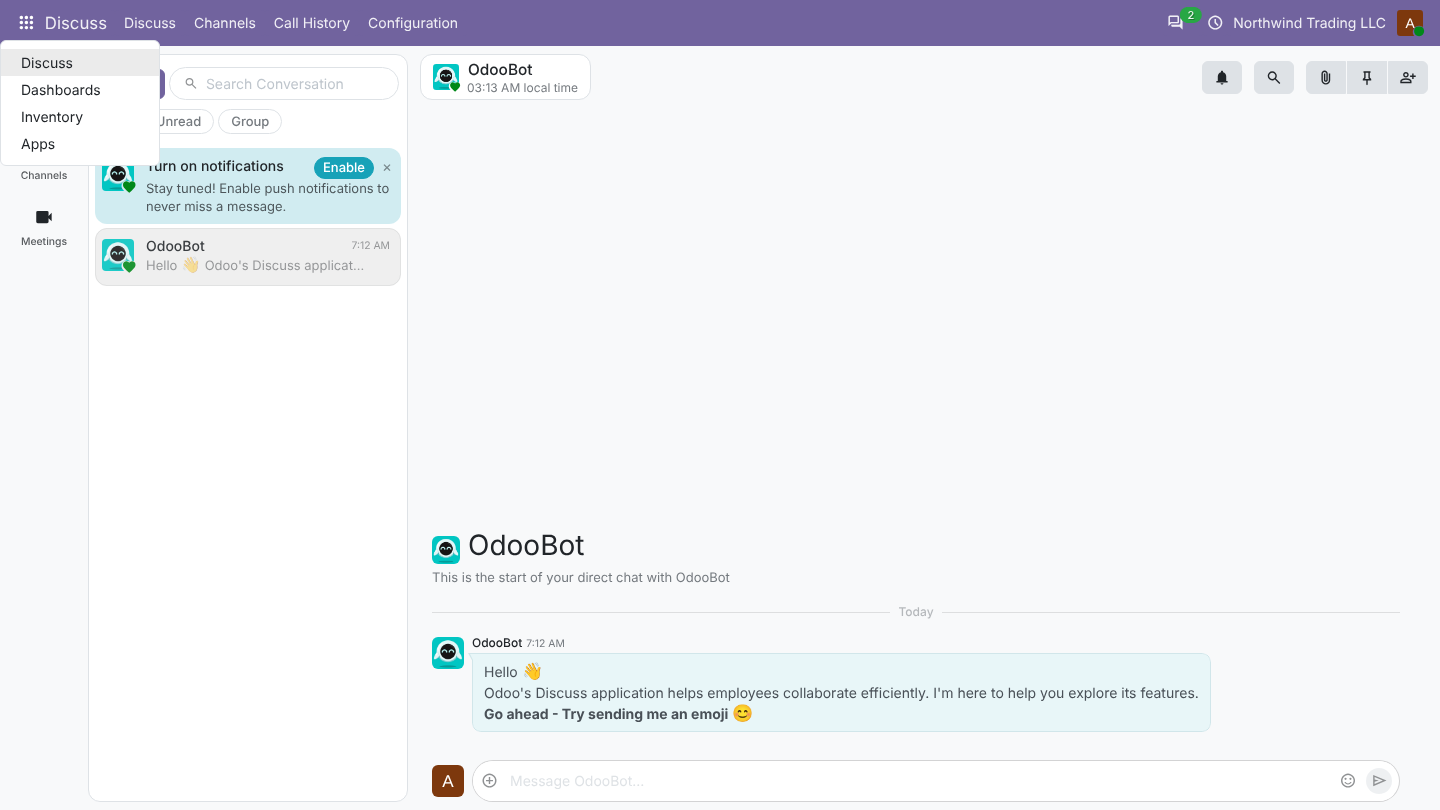
- On the Hidden Menus tab, add the apps or menus to hide. Their sub-menus go with them.
- Save. Users see the change at their next page load.
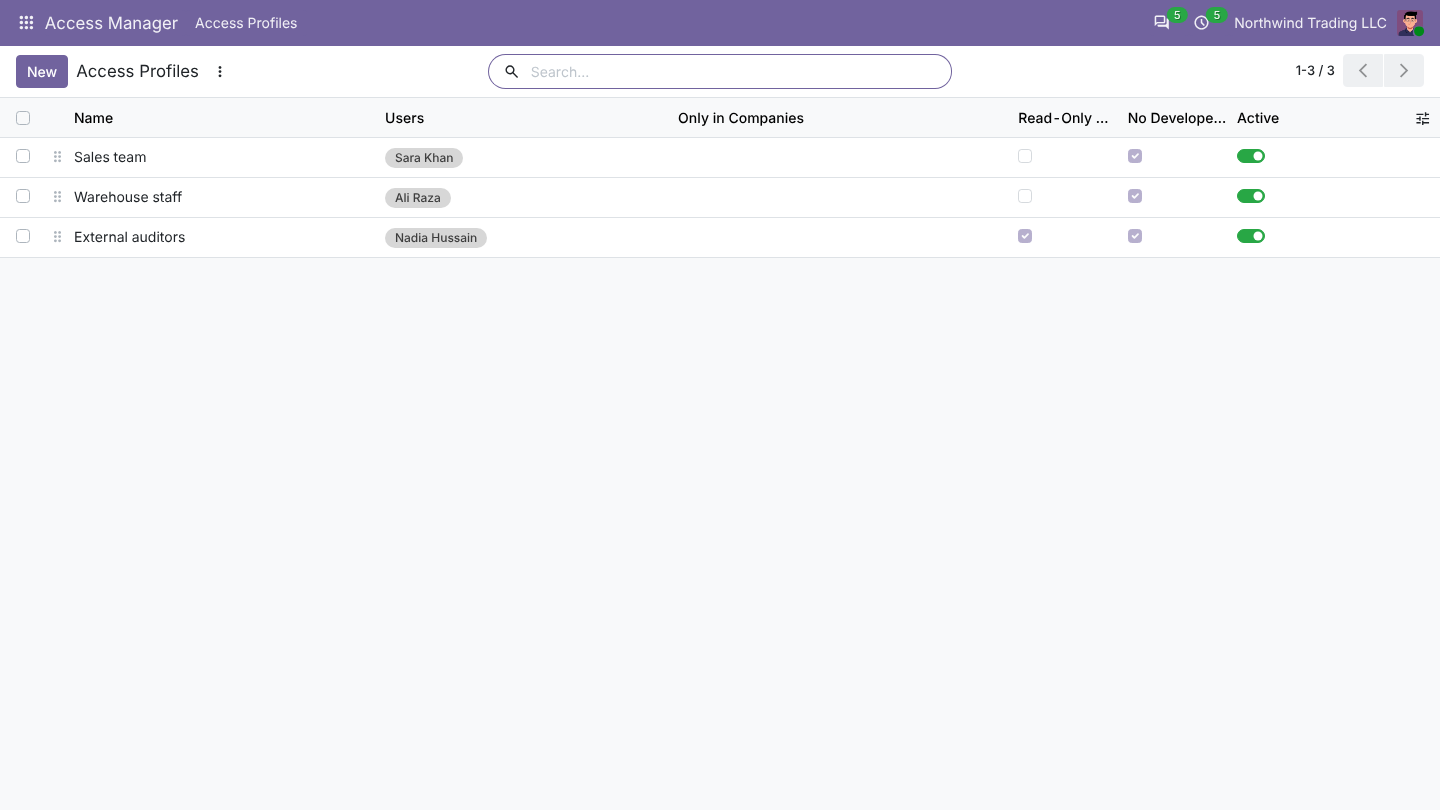
A user can have several profiles: their restrictions add up. Switch a profile off to suspend it, and use Notes to record why it exists.
What users see
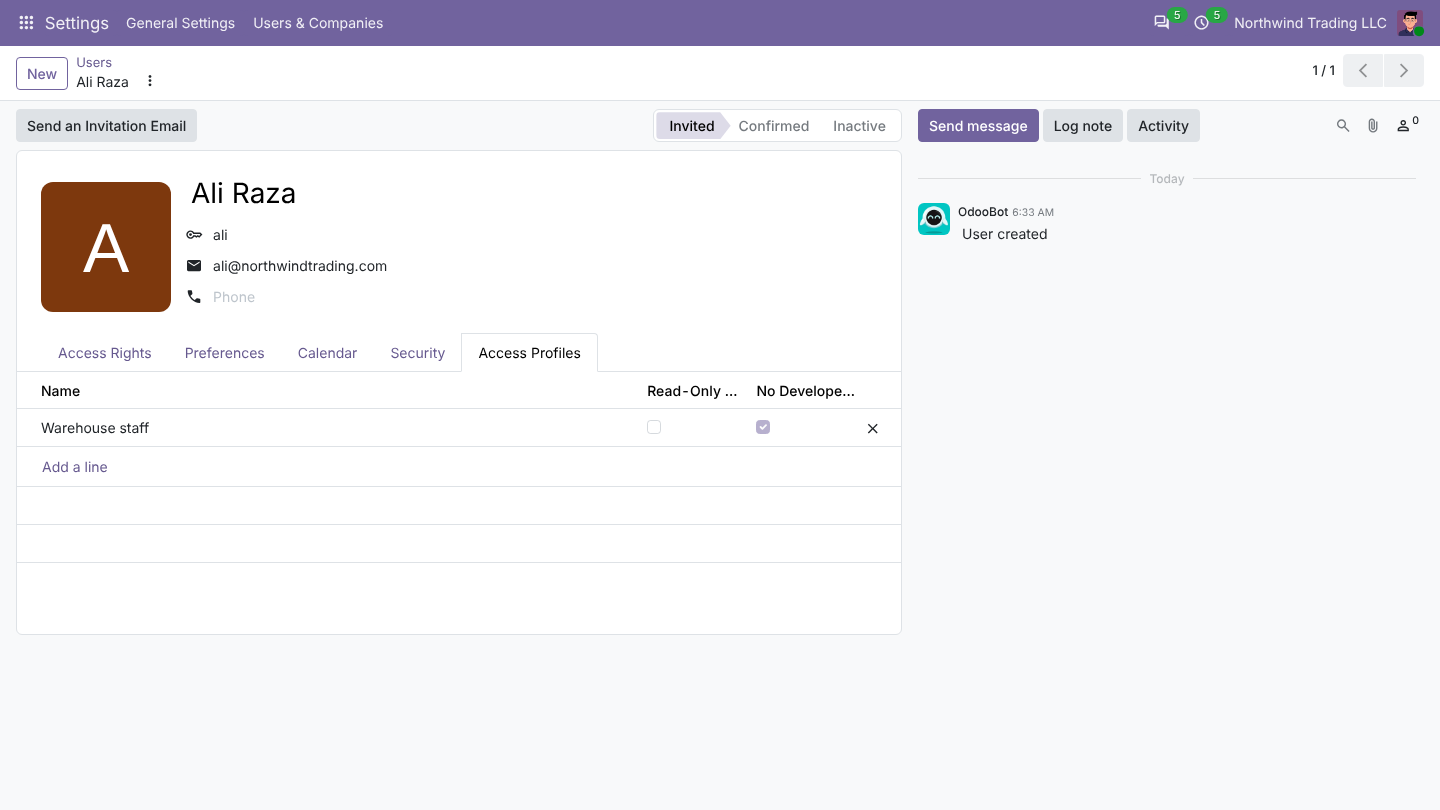
On the user form
Each user form has an Access Profiles tab showing the profiles that apply.
Was this page helpful?