Set up and use
Configure
- Go to Invoicing (or Website) > Configuration > Payment Providers > Fatora.
- Paste the API key from your Fatora dashboard and click Test Connection.
- Copy the webhook URL shown on the form into Fatora, so payments confirmed later still reach Odoo.
- Use Test Mode for trials, then set the provider to Enabled and publish it.
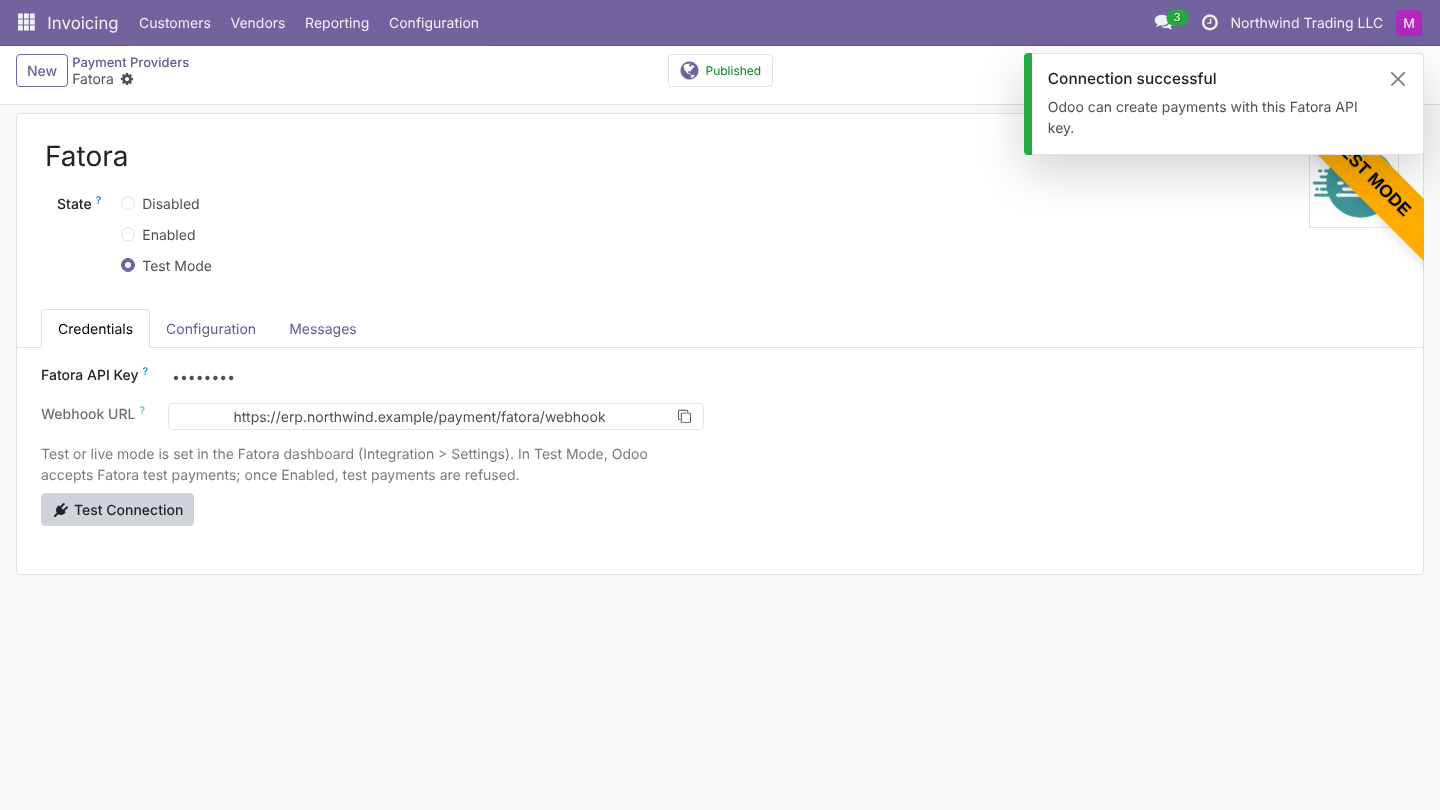
The API key is visible to administrators only. In multi-company databases, set up one provider per company.
Taking payments
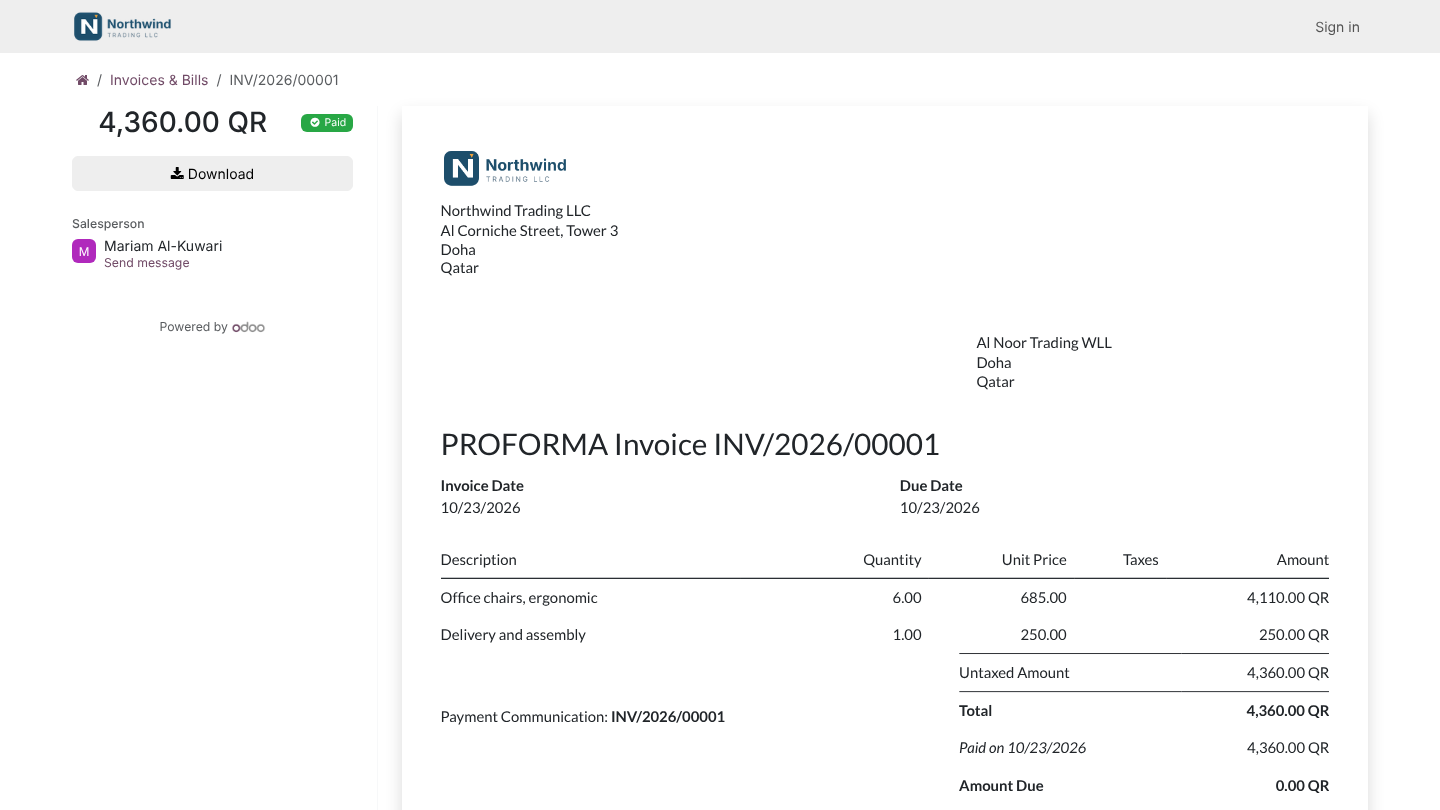
Fatora appears wherever Odoo takes online payments: invoices and payment links in the customer portal, the website checkout and online quotations. The customer pays on the Fatora page, in English or Arabic depending on their language, and lands back on the invoice or order already marked Paid.
How payments are confirmed
On every return and webhook, Odoo calls Fatora's Verify Payment API and only then updates the transaction:
- The paid amount and currency must match the order.
- Fatora test payments are refused once the provider is Enabled.
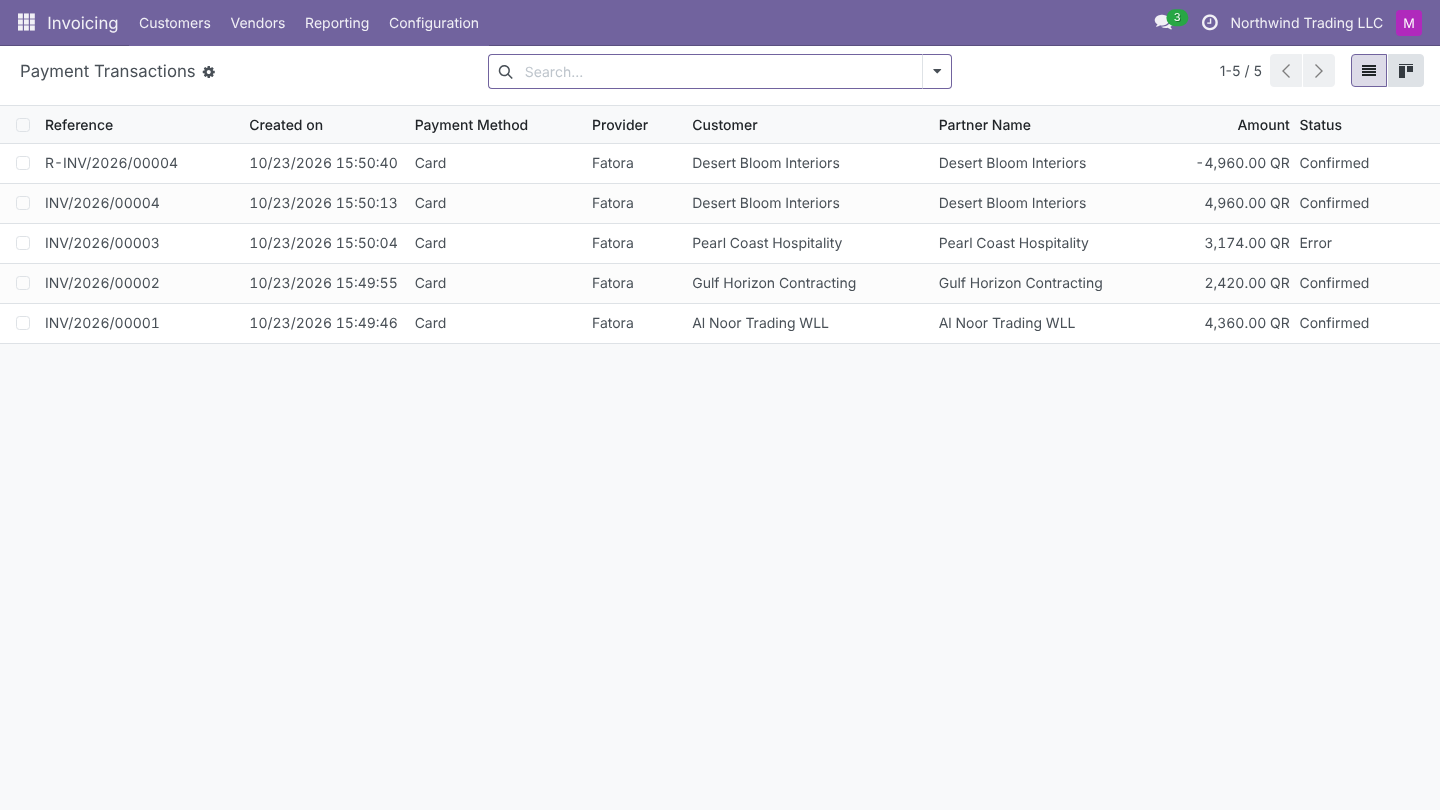
- Declined cards leave the order unpaid, with Fatora's reason.
- Pending payments are confirmed later by the webhook.
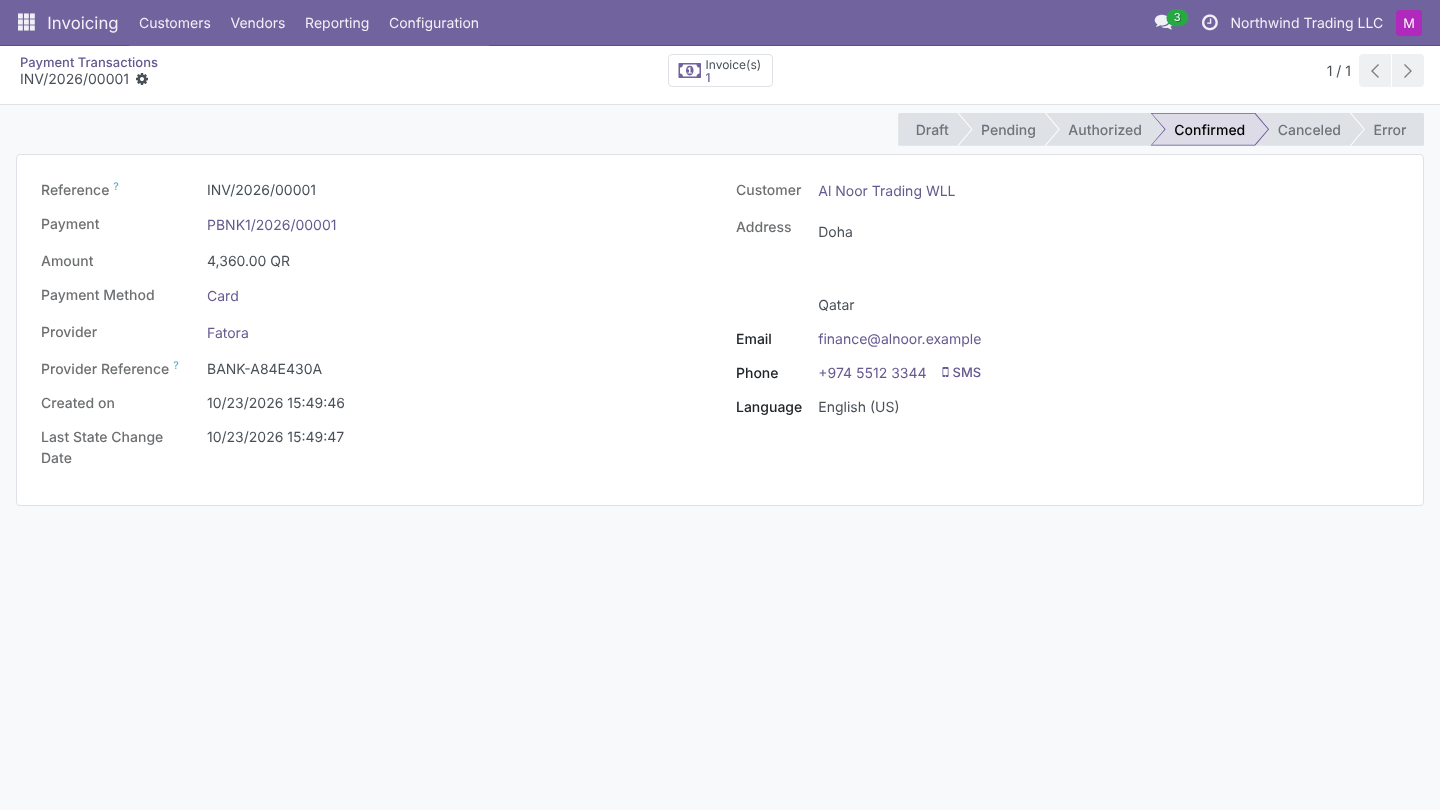
The Fatora transaction ID is stored on the payment, so your accountant can match every card payment with Fatora's dashboard and the bank settlement.
Refunds
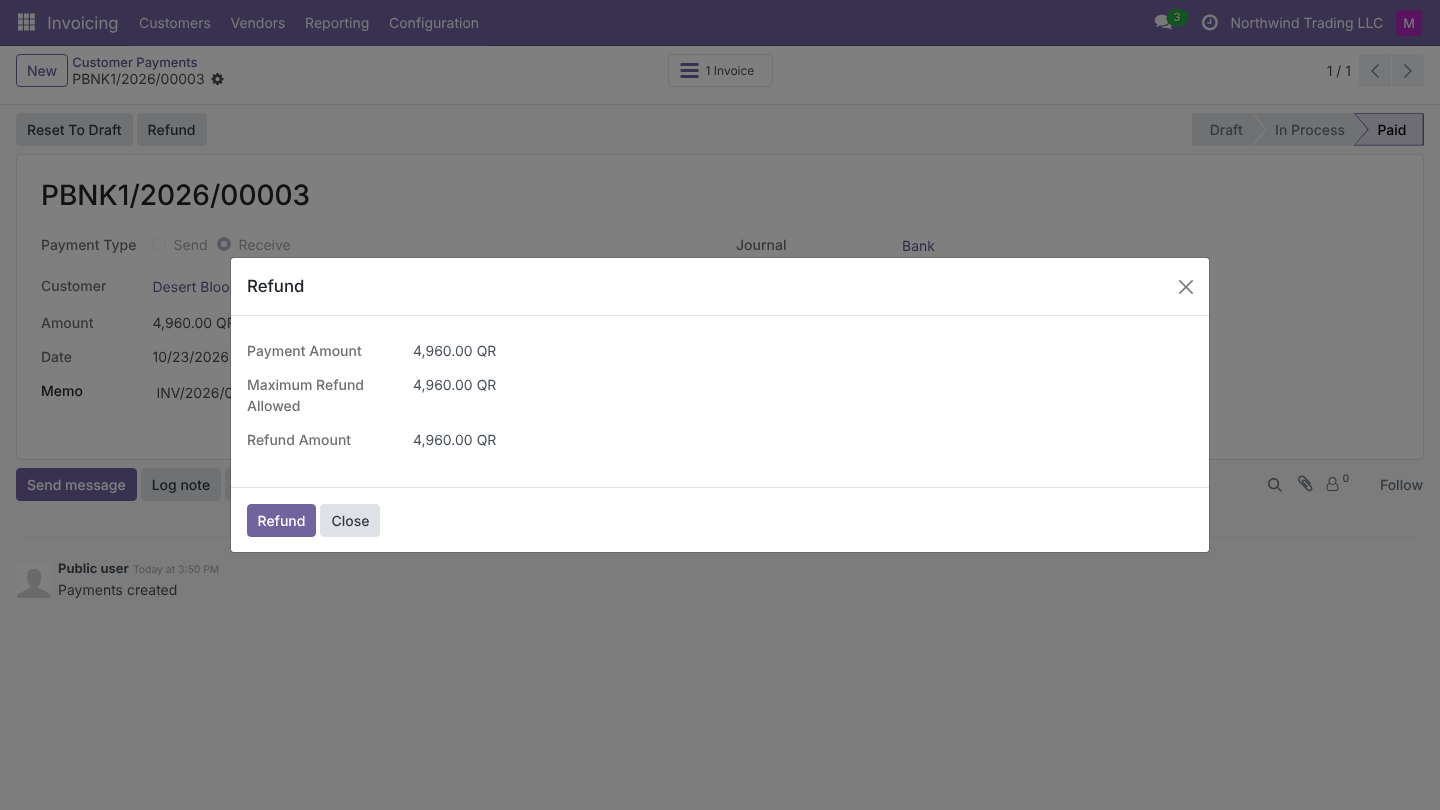
Open the customer payment and click Refund. Odoo sends the request to Fatora and creates the refund transaction with Fatora's refund ID. Completed refunds are posted at once; refunds sent on to the bank stay pending. Fatora only offers full refunds.